Door Lock Automation
Following up on the door lock automation, I learned something valuable from another forum member. There are apps/hardware that offer inching timers as short as 0.5 seconds.
What this allows is for the unit to automatically turn off after a specified time, eliminating the need for separate off commands and reducing the risk of door lock actuators burning up because of network delays or dropped connections.
Reading the Manual Pays Off
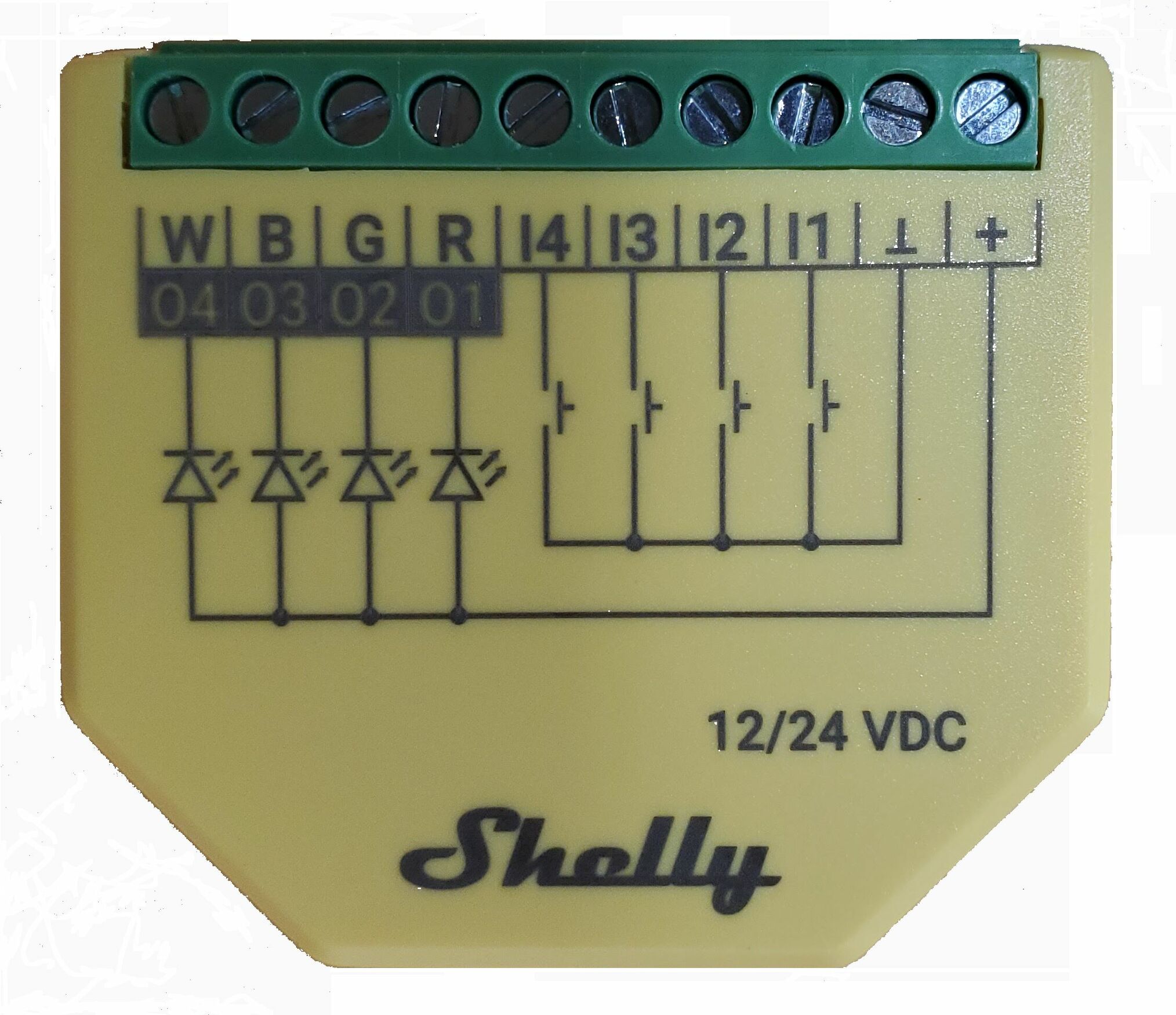
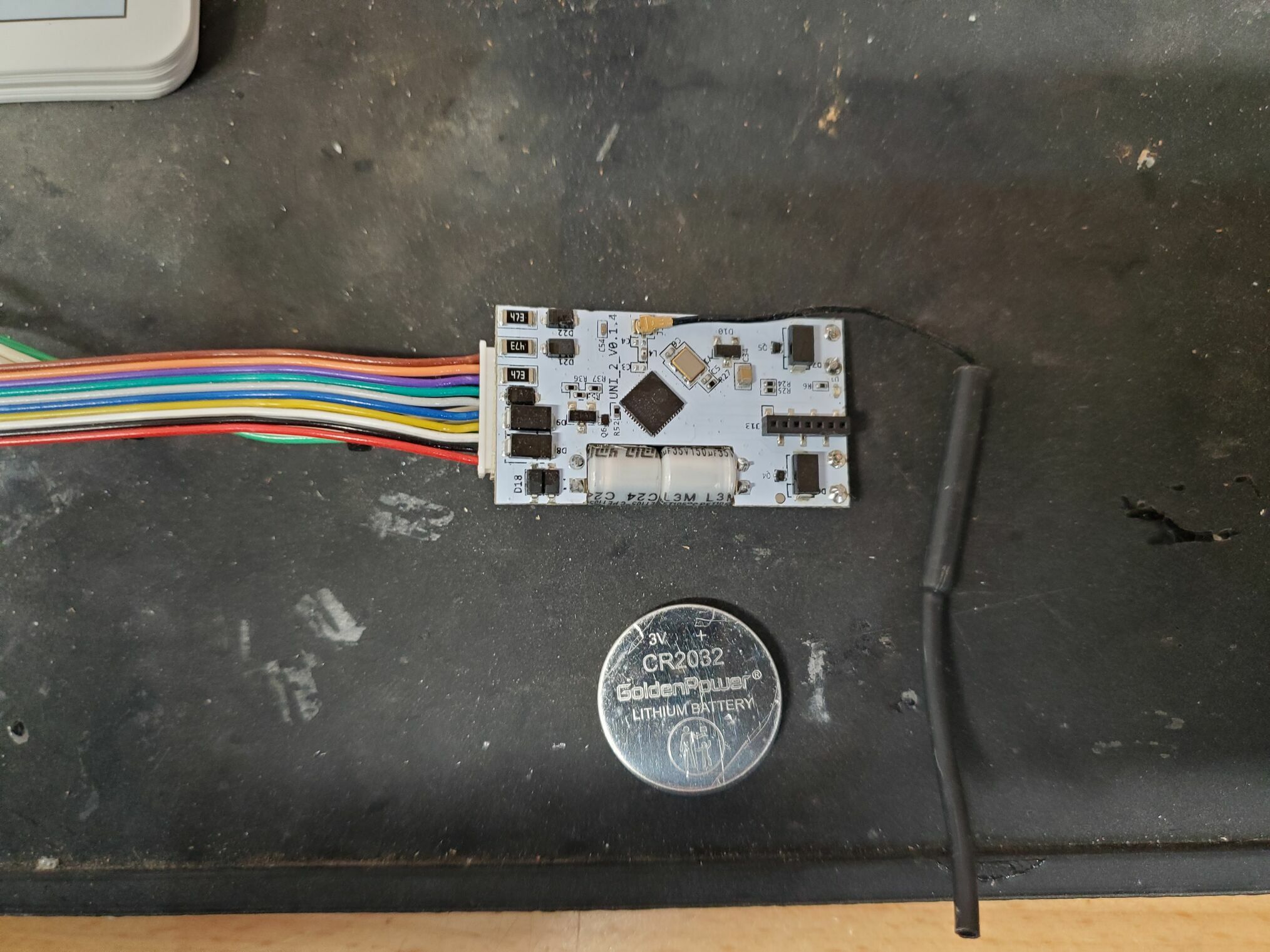
After researching the MHCOZY Wi-Fi Smart Switch Relay Module that was recommended, I did something unusual, I read the manual for the Shelly Plus Uni that I had previously used to burn up several door actuators. Turns out, it also supports timers (a.k.a. inching) for its outputs that can be set down to milliseconds. I currently have mine configured for 350 ms.
This means after receiving an “on” command, the Uni’s firmware automatically turns the relay off after 350 milliseconds without requiring me to send a separate off command. The robustness of this approach became clear during testing, I sent the on command, deliberately dropped the Wi-Fi connection, and the unit still turned off the relay exactly as programmed.
A More Reliable Installation
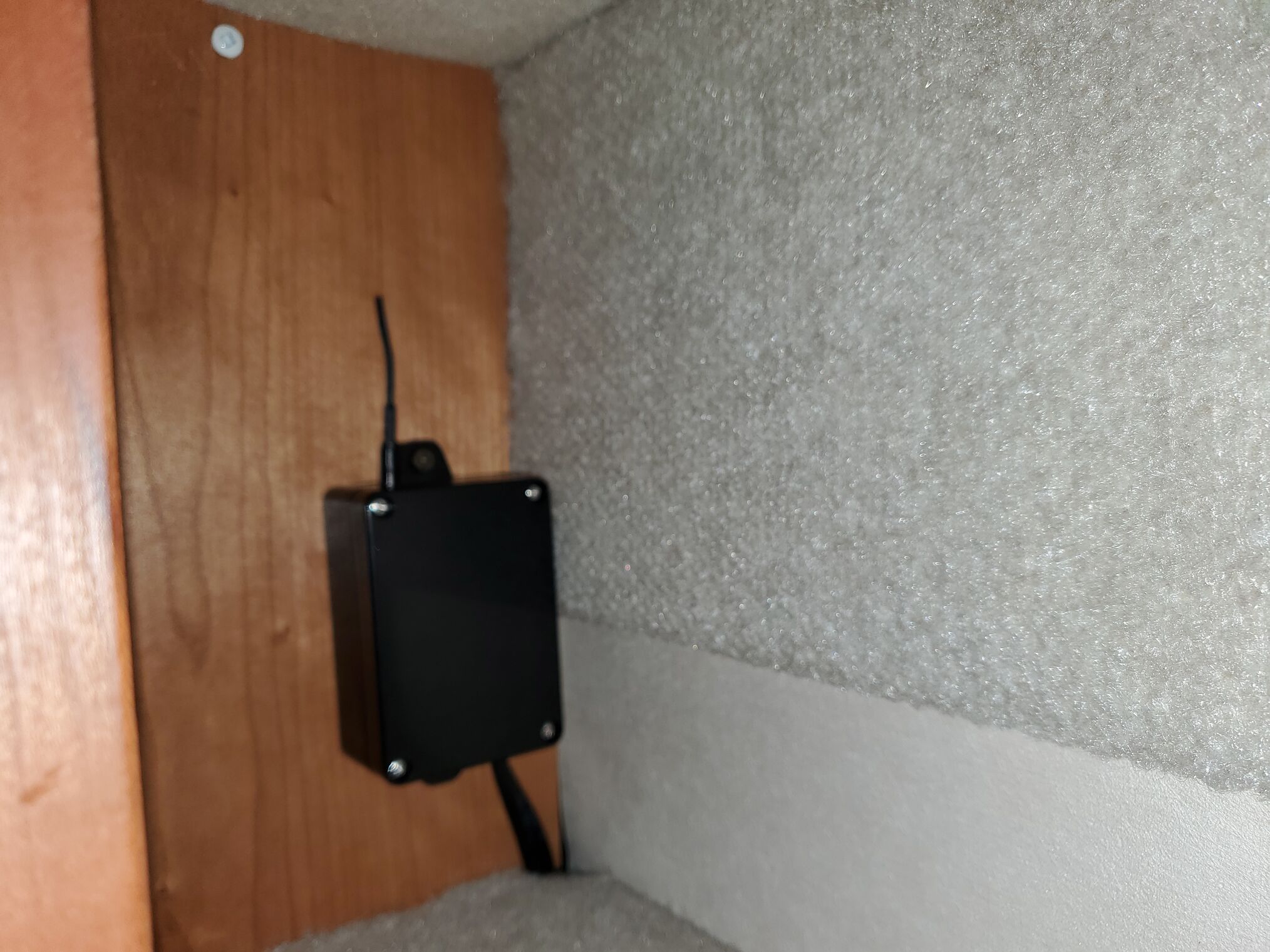
I placed the Uni in a small project box and mounted it in the very back corner of an upper cabinet. This location provides much better signal strength than when I had it mounted behind the front relay panel. The device consistently reports signal strength between -58 and -59 dBm with no drops.
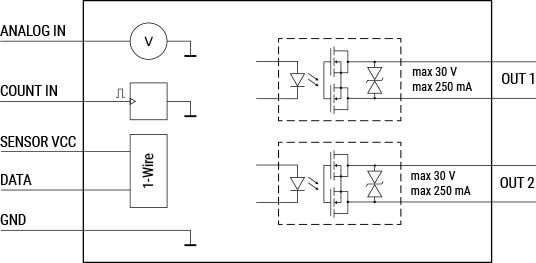
One important issue: the two output relays on the Shelly Plus Uni only support approximately 250 mA, and I’m only using them to pull outputs low. This works perfectly for my application, but they’re not rated for power switching like the MHCOZY unit. Make sure to verify the specifications match your specific use case.
Weather Announcements
On a related automation note, we’ve implemented a convenient morning routine using one of our Amazon Echo devices. When someone first enters the living space during certain hours in the morning, Home Assistant automatically announces the weather for our current location.
The flow works like this: Home Assistant retrieves the current GPS coordinates, uses geolocation to determine the city and state for those coordinates, then sends a command to the Alexa service:
action: alexa_devices.send_text_command
data:
  device_id: aaxxxxxxxxxxxxxxxx
  text_command: >-
    What's the weather in {{ states('sensor.geolocator_city') }},
    {{ states('sensor.geolocator_state') }}
alias: Alexa Weather Report
The Echo device then announces the weather results—assuming we have an internet connection, of course. It’s a simple automation that has become part of our daily routine.
Lessons Learned
This experience reinforced an important lesson: sometimes the best solution is the one you already have. The Shelly Plus Uni was sitting in my parts bin after my initially failed attempt, but I hadn’t fully explored its capabilities. A few minutes spent reading documentation saved me from ordering new hardware and led to a more reliable implementation than my original approach.
The built-in timer functionality is superior to relying on network communication for both on and off commands. Network delays or dropped connections can’t cause the relay to stick in the on position, protecting the door lock actuators from damage.