Smart Home/RV Automation

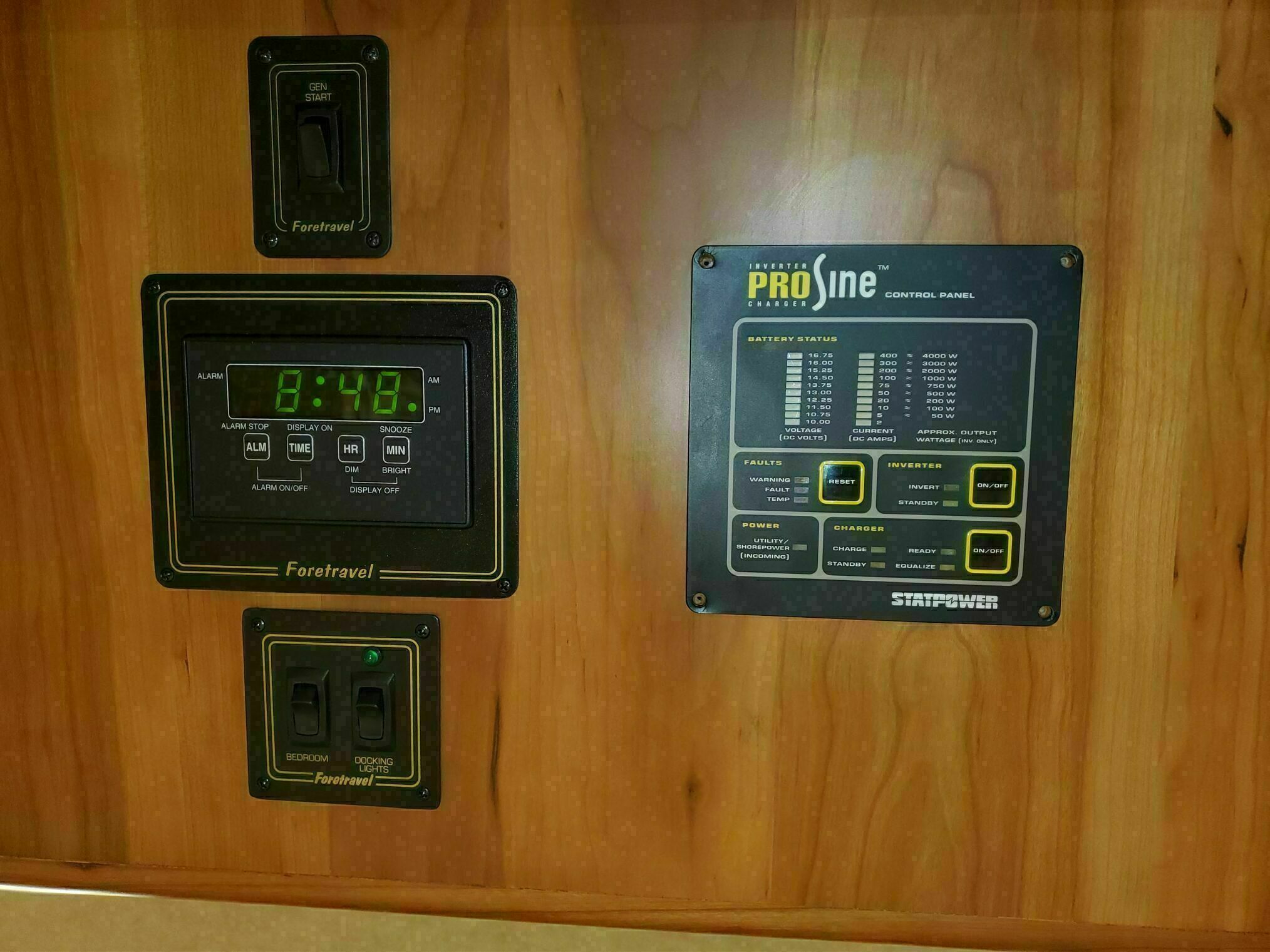
What started as a simple plan to update a few fixtures quickly evolved into something much larger. After completing our Victron upgrades, we were left with defunct ProSine readout panels in the coach.
Our era Foretravel is fairly basic, lights controlled by simple toggle switches and a handful of 3-way switches wired through finder relays that make a distinctive CLUNK sound when activated.
We wanted to add more 3-way switches and implement lighting scene controls. Since our coach has no RV-C, N2K, CAN bus, multiplex wiring, or Silverleaf system, the only viable upgrade path was wireless: Wi-Fi, Zigbee, Z-Wave, or Bluetooth. All devices also had to operate on 12V DC.
The “Vision”
Beyond lighting control, we envisioned a complete smart RV system. We wanted to take our TV, movie, and music collection on the road with a media server. While we can stream from our home media server over VPN, bandwidth limitations sometimes create glitches. The media server PC would also serve as our automation controller, centralizing both streaming and smart home functionality.
We also planned to integrate temperature, humidity, and leak detection sensors, implement Wi-Fi failover options, and add a secure RV firewall to protect our connected systems.
Hardware Selection
After evaluating numerous options, here’s what we chose for our setup:
The Brain
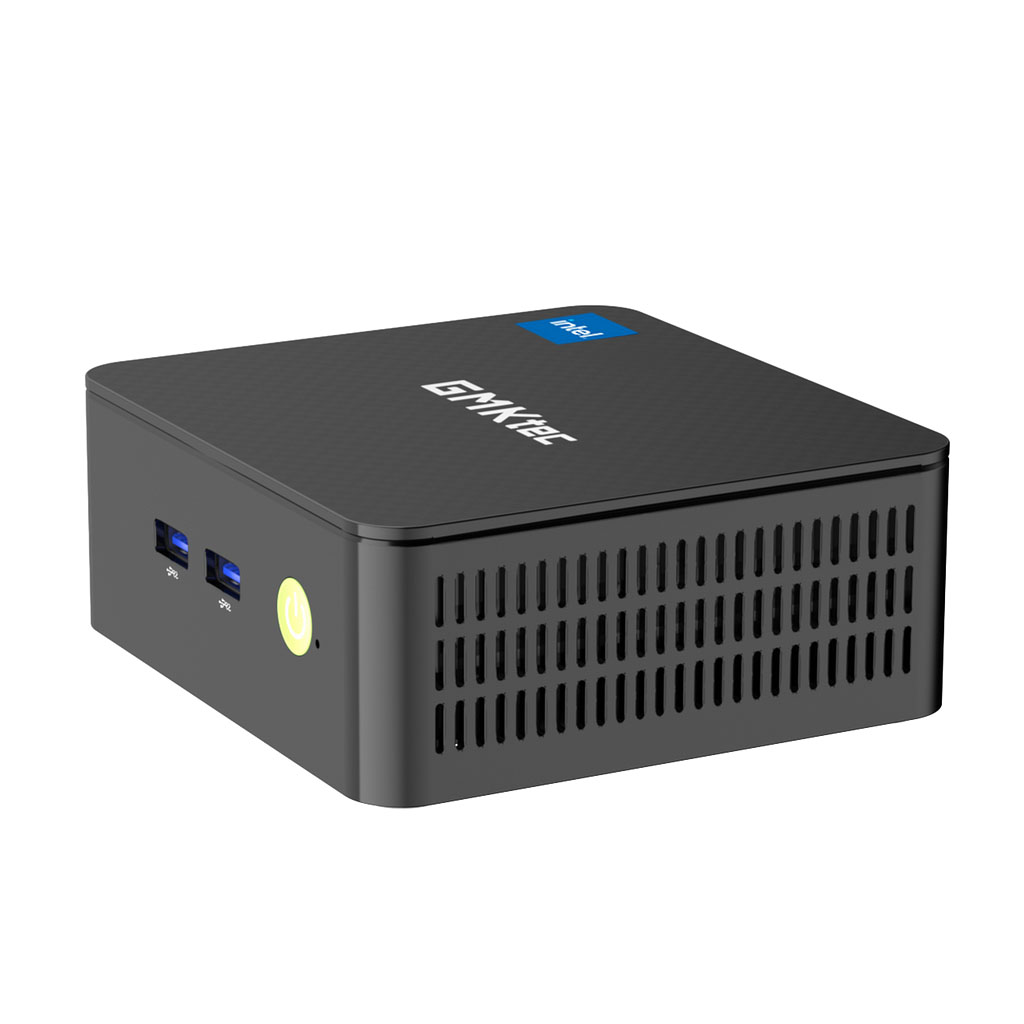
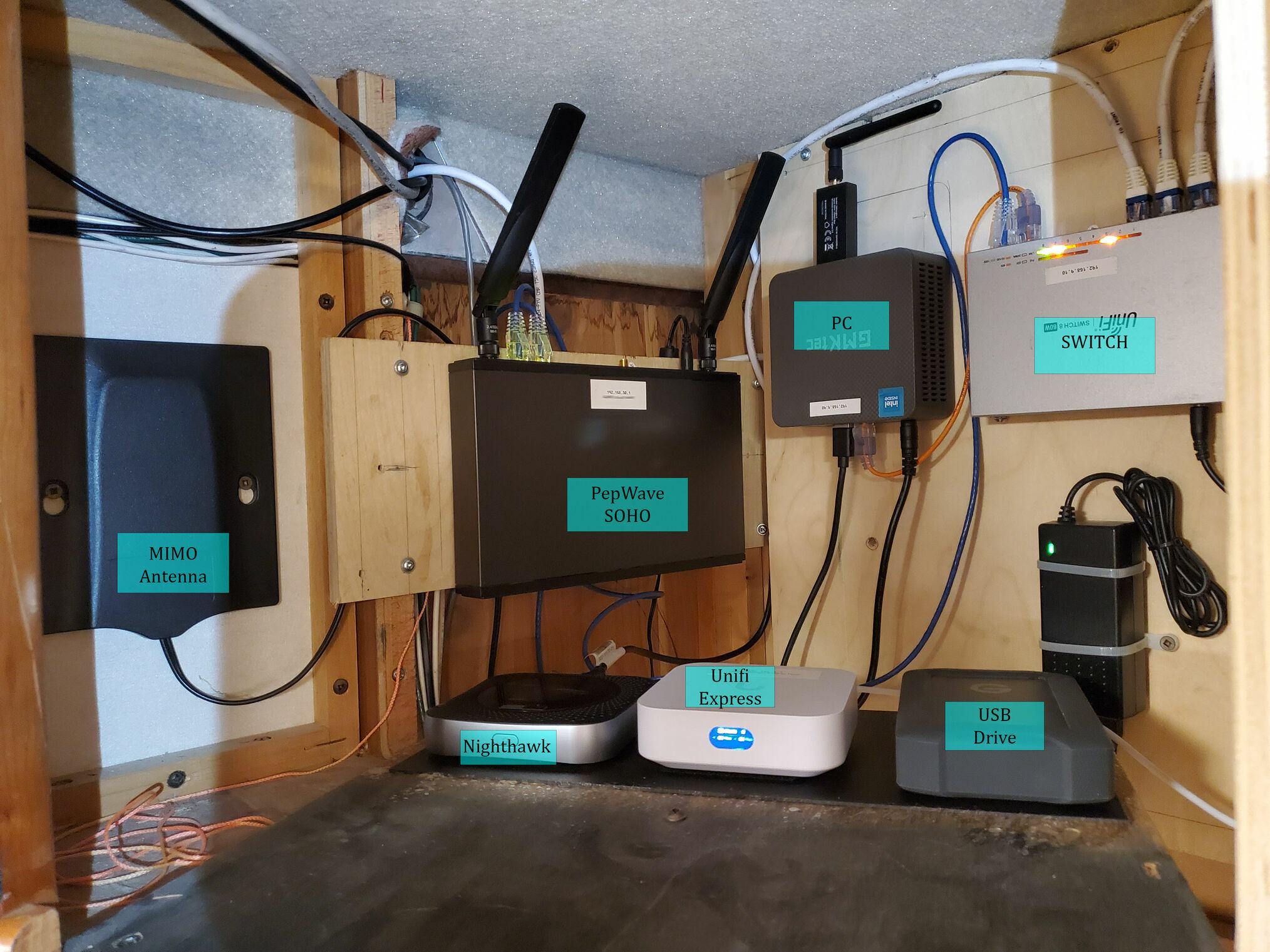
For the system’s brain, we selected the GMKtec NUC Box. It uses an N150 processor (actually ours has the older N100, the N150 is an extremely minor refresh) with ultra-low power consumption while providing enough performance to stream 4K video and handle multiple applications simultaneously.
Smart Switches and Dimmers
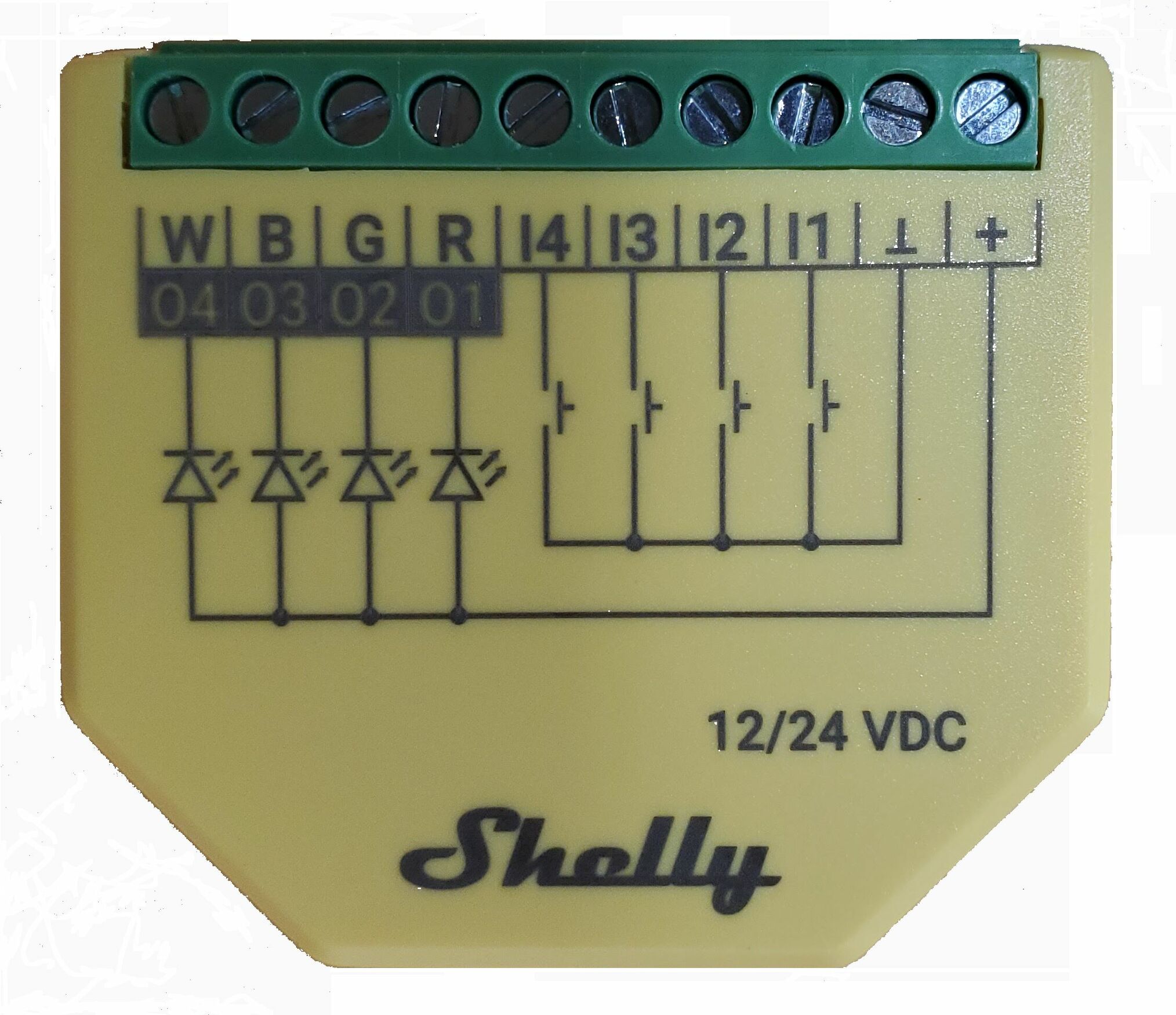
We chose Shelly switches and dimmers, several of which are available in 12 VDC models. While we considered DIY ESP32 devices with ESPHome or Tasmota firmware, we opted for production devices for their reliability and ease of installation. We also experimented with some Sonoff devices during the testing phase.
Sensors
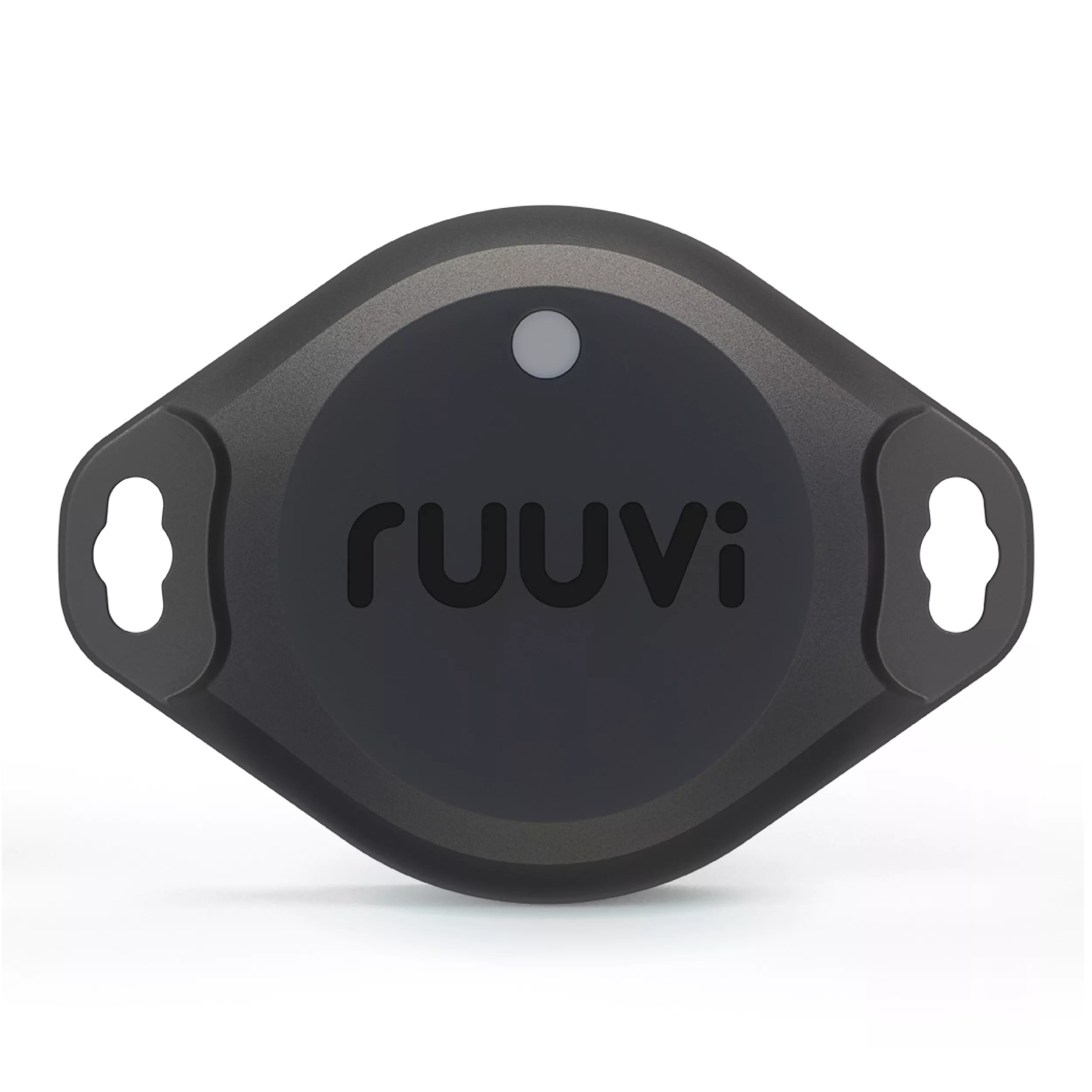
For environmental monitoring, we selected Ruuvi sensors since they integrate directly with the Victron Cerbo. We also deployed Shelly sensors for leak detection in critical areas.
Network Infrastructure
A local network is the backbone of any smart home system. We sourced much of this equipment from eBay to keep costs reasonable:
Gateway and Firewall
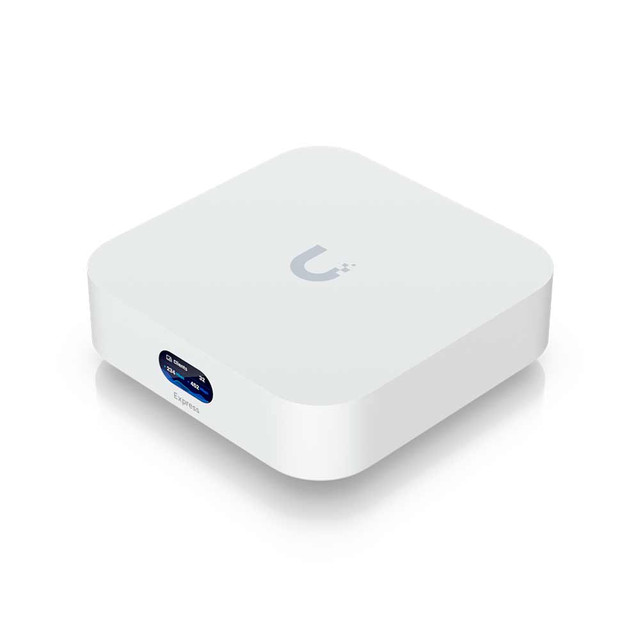
The Ubiquiti UniFi Express handles our gateway, access point, and firewall duties. I should mention that the UniFi Express isn’t strictly necessary, the PepWave router is fully capable of handling everything on its own, including firewall, gateway, WAN aggregation, local access point, and its built-in 4-port switch. It’s quite a capable unit.
I chose to add the UniFi Express because I prefer the UniFi ecosystem, and it’s the same equipment we use at home, so I was already familiar with the setup and configuration.
Network Switch
The Ubiquiti UniFi Lite 8 PoE provides wired connections to our smart TV, Roku, and other devices. While these could operate over Wi-Fi, wired connections provide better bandwidth and reduce network chatter from these notoriously chatty devices.
Router with WAN Failover
The Peplink Pepwave Surf SOHO (purchased used on eBay—it has since been replaced by a newer model) aggregates multiple internet sources including cellular, Wi-Fi, USB, and Ethernet (Starlink). It automatically selects the best available connection and seamlessly fails over to the next option if the primary connection is lost or unavailable. This unit does not have built-in cellular; we use the nighthawk connected (and powered) via the USB port.
Cellular Modem
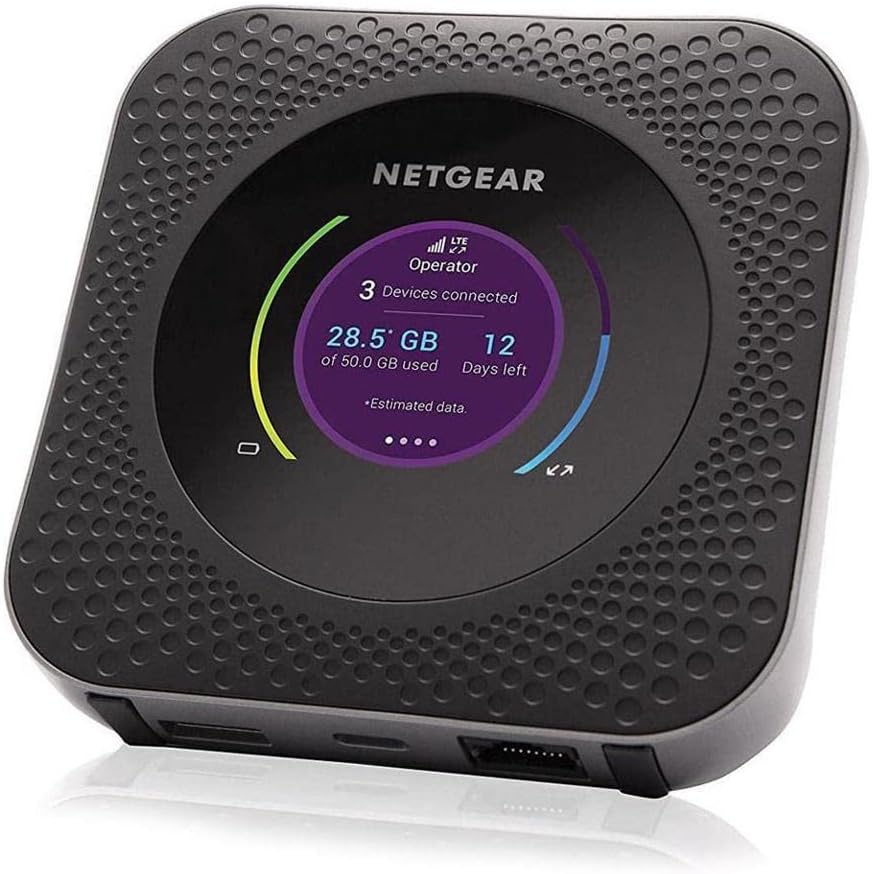
Our Netgear Nighthawk MR1100 with an AT&T SIM serves as backup connectivity and our primary internet when traveling down the road.
Software Stack
All software in our setup is free and open-source:
Operating System: Linux (Ubuntu). Everything runs in Docker containers, which allows easy addition or removal of applications without conflicts or dependency issues.
Media Server: Jellyfin provides our streaming platform. Other popular options include Plex, Kodi, and Emby, but we preferred Jellyfin’s open-source approach.
Smart RV Automation: Home Assistant serves as the central hub for all our automation, sensor monitoring, and device control.
Network Ad Blocker: Pi-hole blocks ads and trackers across all devices, which not only improves browsing but also conserves bandwidth—critical when on cellular or metered connections.
Victron Integration: We run Venus OS Large on our Cerbo to access Node-RED, which we use for automation tasks that extend beyond Home Assistant’s capabilities, particularly for integrating Victron-specific data.
Next Steps
In upcoming posts, I’ll get into the details of how we implemented each component, share some specific configurations, and provide any lessons learned along the way.